Set Up Consultant Jobs in Claude.ai
Search thousands of Swedish IT consultant jobs directly from Claude's web interface. Quick setup, no technical skills needed.
Open Connectors Settings
Go to claude.ai and click on Settings (gear icon), then select Connectors from the sidebar.
Add Custom Connector
Click the "Add custom connector" button at the bottom of the connectors list.
Enter Connector Details
Consultant Jobshttps://mcp.consultant.dev/mcp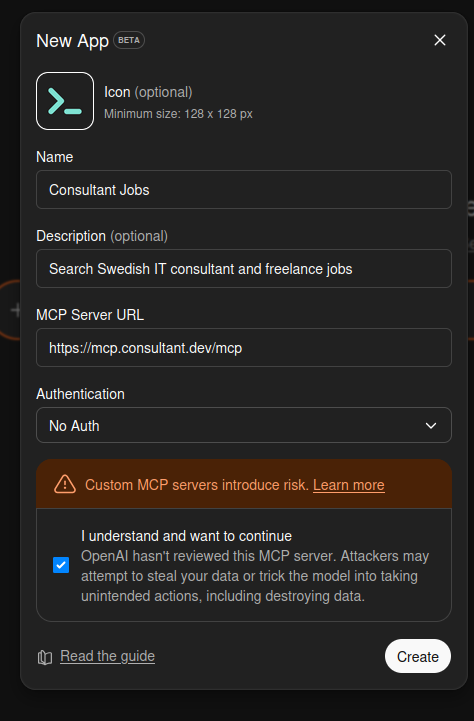
Click Add
Click the Add button. The connector will be verified and added to your account.
Start Searching!
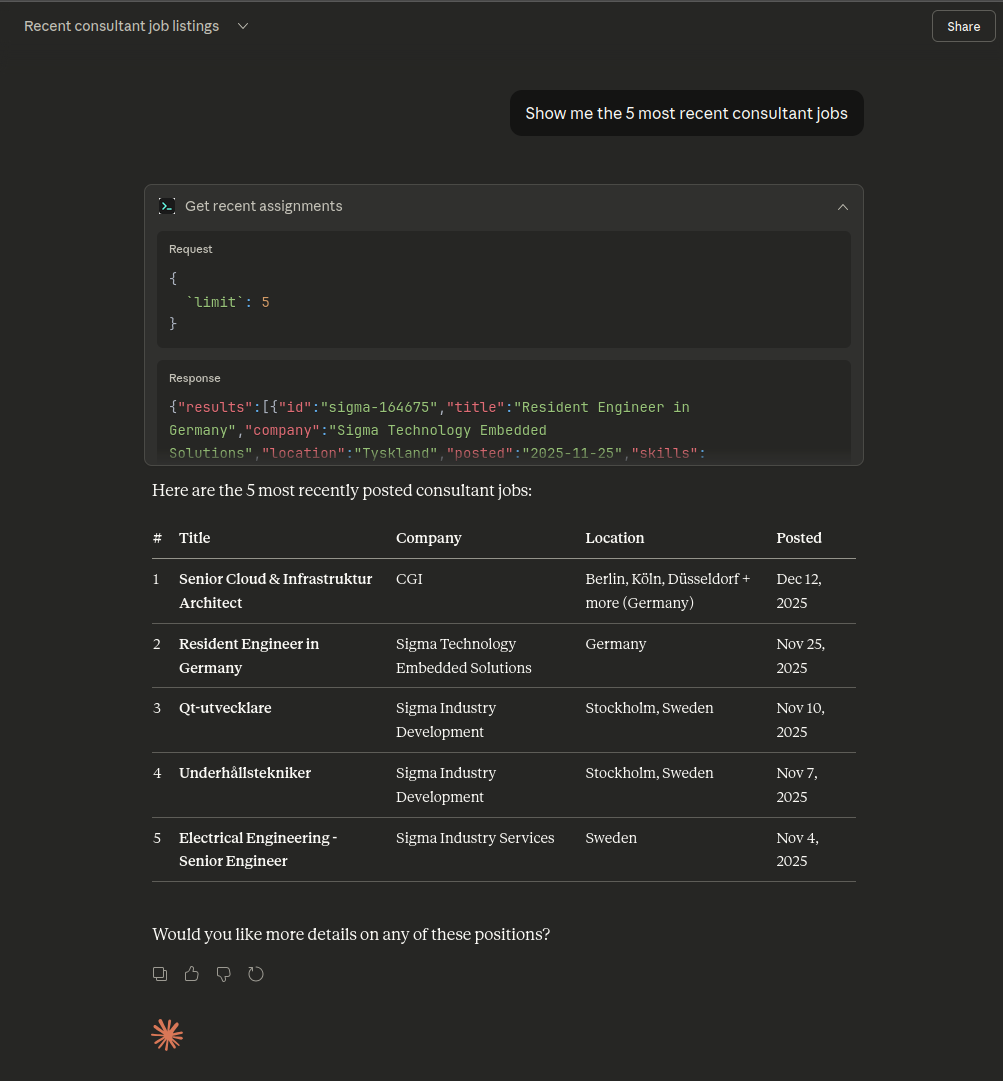
Open a new chat and try asking:
Example
Frequently Asked Questions
Do I need a Claude Pro subscription?
Connectors are a Claude Pro feature. Free accounts do not have access to custom connectors.
Is my data private?
Yes. We don't store your queries, and Claude doesn't share your conversation with us. The connector only fetches job listings when you ask.
What can I search for?
You can search by role (backend, frontend, DevOps), location (Stockholm, remote), skills (Python, AWS), seniority level, and more.
What's Next?
Now that you're set up, start exploring opportunities or check out more ways to search.